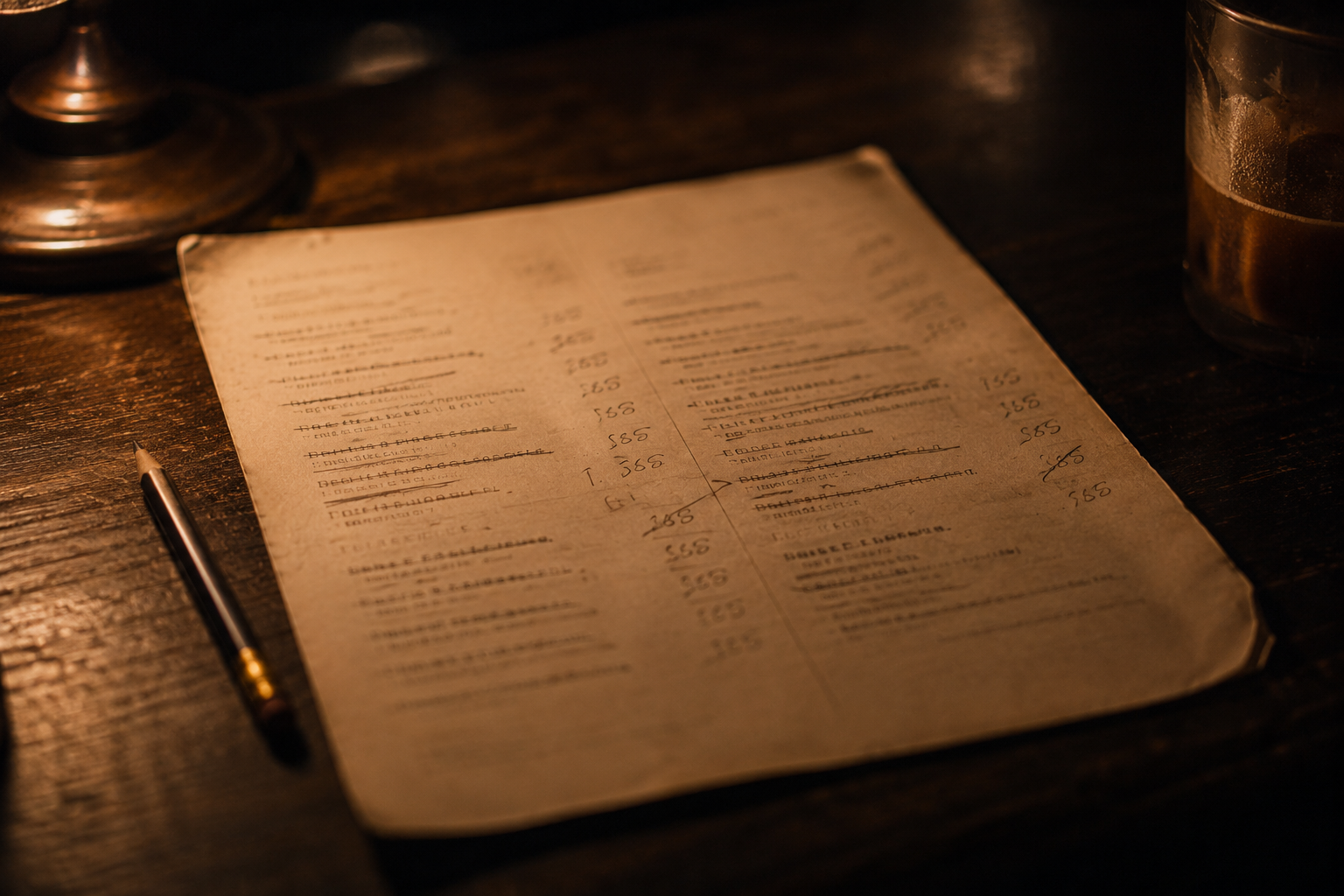
The menu is the part of the system everyone touches and almost nobody plans. A little structure here saves a great deal of repair later.
How a menu is put together
Most point-of-sale menus are built in layers. Understanding the layers is what lets you change a price in one place instead of eleven.
- Menus — the top level, often tied to a time of day or a service: brunch, dinner, bar, catering.
- Groups or categories — starters, mains, desserts, wine by the glass. These usually drive the layout of the ordering screen.
- Items — the things guests actually buy, each with a price, a tax treatment and a prep station.
- Modifier groups — reusable sets of options attached to items. Build them once and share them; do not recreate “choice of side” for every entrée.
Name things for the person reading them
An item name is read by a server under pressure, printed on a kitchen ticket, and shown to a guest on a receipt. Those are three different audiences and one string of text.
Where the system allows separate names for the kitchen and the guest receipt, use them. The line wants a short, unambiguous label; the guest wants the name from the printed menu. Where you only get one, favour clarity over charm — a ticket that reads correctly at speed prevents more mistakes than a clever name wins goodwill.
Pricing that varies
Happy hour, a different bar price, a size-based price, or an item priced by weight. Most systems support these, and each has a trap worth knowing:
- Time-based pricing keys off the terminal’s clock and the schedule you configured. Check what happens to a check opened before the change and settled after it.
- Size-based pricing is usually cleaner as separate priced modifiers than as separate items — one item, three sizes, one place to edit.
- Open-price items let staff type any amount. Necessary for specials, and worth restricting to roles you trust.
Screen layout is an operational decision
The arrangement of buttons on the ordering screen is worth as much attention as the menu design itself. Put the twenty items that make up most of your covers where a thumb lands without looking. Bury the rarities. Keep the layout stable — staff build muscle memory, and rearranging the screen mid-season costs you seconds on every ticket for a fortnight.
Change the menu when nobody is on the floor. Edits propagate to terminals on the system’s own schedule, and a half-applied change during service is a genuinely bad afternoon. Make changes in the morning and verify them on an actual terminal, not just in the back office.
A routine that keeps the menu honest
- Weekly — clear stale 86s and confirm nothing is still marked unavailable from last Thursday.
- Monthly — pull the item sales report and look at the bottom of it. Items that sell in single digits are cluttering the screen and the walk-in.
- On every price change — check the printed menu, the online ordering menu and the terminal agree. They drift apart quietly.
- Before every seasonal change — archive rather than delete. Deleted items can take their sales history with them.
What the menu earns you is measured in Reports & Closeout.