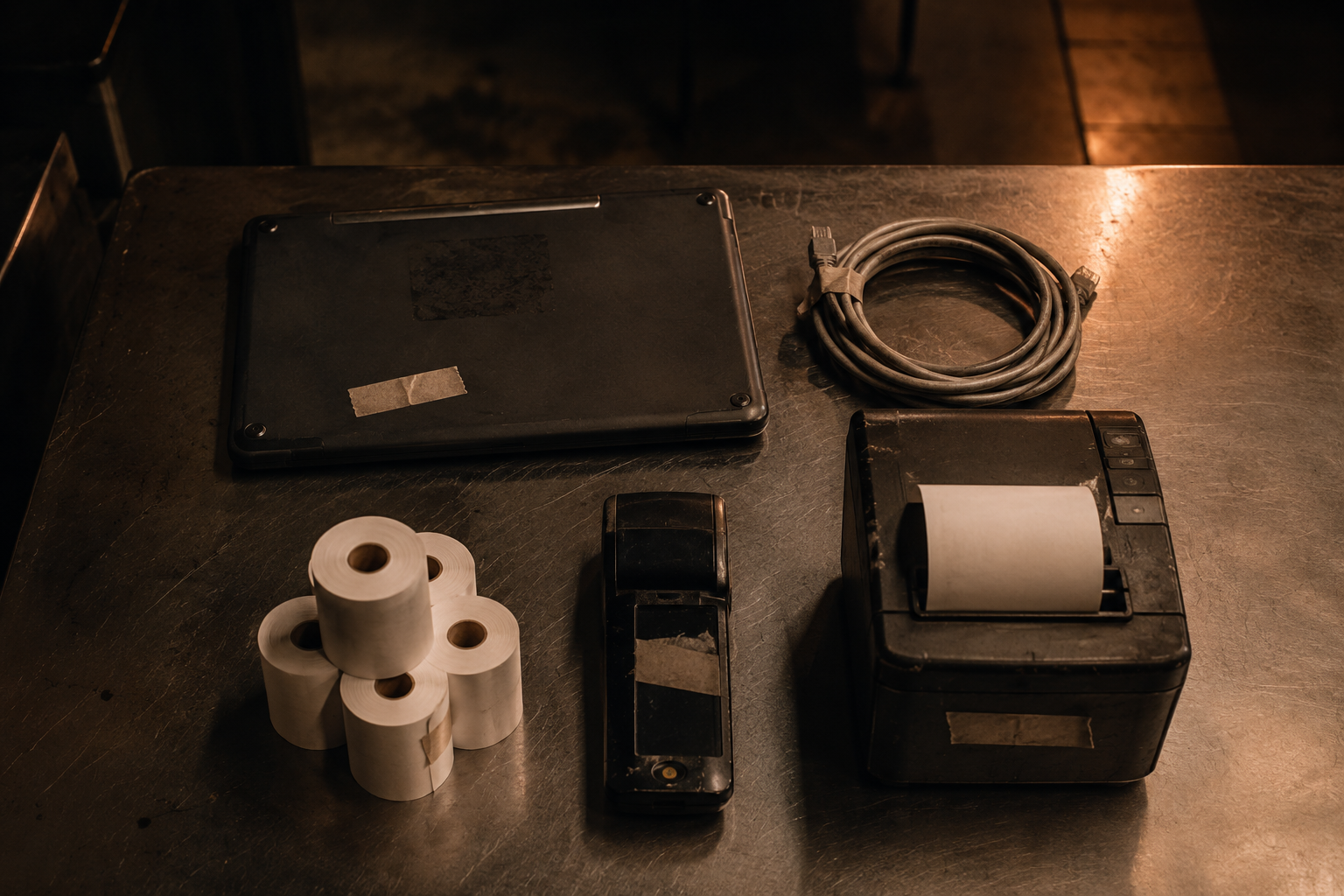
Everything that goes wrong at 7pm on a Friday was usually decided during setup. This is the groundwork worth doing slowly, in daylight, before a single guest sits down.
Devices and the network
A point-of-sale system is a small network before it is anything else. Terminals, handhelds, receipt printers, kitchen displays and the card readers all have to reach each other and the internet reliably. Treat the network as part of the equipment, not as something the building happens to have.
- Wire what you can. Fixed terminals and kitchen printers are far more stable on ethernet. Save the wireless capacity for the devices that actually move.
- Walk the floor with a handheld. Check the patio, the private room, the walk-in corridor and the far end of the bar. Dead spots are found on a quiet Tuesday or discovered on a busy Saturday — your choice.
- Give the system its own network. Guest wi-fi sharing a connection with your payment devices is a performance problem and a security one.
- Label the hardware. Every terminal, printer and router gets a physical label matching its name in the system. This single habit turns most support calls from twenty minutes into two.
Printers and routing
Printer routing is configured per menu item, not per person taking the order. Each item — or each category — is told which prep station it belongs to. Get this mapping right once and the kitchen stops receiving other people’s tickets.
Test routing by firing one item from every category, ideally with the chef standing at the pass. It takes ten minutes and it is the single highest-value test in the whole setup.
Staff accounts and permissions
Every person who touches the system gets their own login. Shared accounts destroy your ability to answer the only question that matters after a discrepancy: who did this, and when.
Permissions are usually grouped into roles — server, bartender, shift lead, manager, owner. Build the roles around what each job genuinely needs, then assign people to them. Resist the urge to grant one-off exceptions to individuals; exceptions are how everyone ends up a manager by December.
The permissions worth thinking hardest about
- Voids and comps. The most common route for both honest mistakes and dishonest ones. Decide who can do it unsupervised and who needs an override.
- Discounts. Especially open-value discounts, where the amount is typed rather than chosen from a list.
- Refunds after close. A different action from a void, with different accounting consequences.
- Menu and price editing. Rarely needed from the floor, and a common source of accidental damage.
- Reporting access. Labour cost and sales data is sensitive; decide deliberately who sees it.
PINs are credentials. Four-digit codes get watched over shoulders. Rotate them when someone leaves, never let a departing employee’s login stay active, and treat a manager PIN with the same care as a safe combination.
Tax, service charges and tips
Configure these before you take a single live order, and confirm them with whoever does your books. Tax rates can differ by item type and by order type — dine-in versus takeout is a common split. Service charges, delivery fees and automatic gratuity for large parties each behave differently in reporting, and the differences matter at year end.
Before you open
- Run one test order per prep station and confirm it prints or displays where it should.
- Run a test card payment and then void it, so you have seen both halves of the flow.
- Confirm receipt printers have paper, and that a spare roll lives within arm’s reach of each one.
- Have every staff member log in once, on the device they will actually use.
- Know your offline behaviour before you need it — see Troubleshooting.
With the floor set up, the next thing to learn is how a ticket actually moves through a service. That is Taking Orders.